🎉 Up to 70% Off Selected ItemsShop Sale
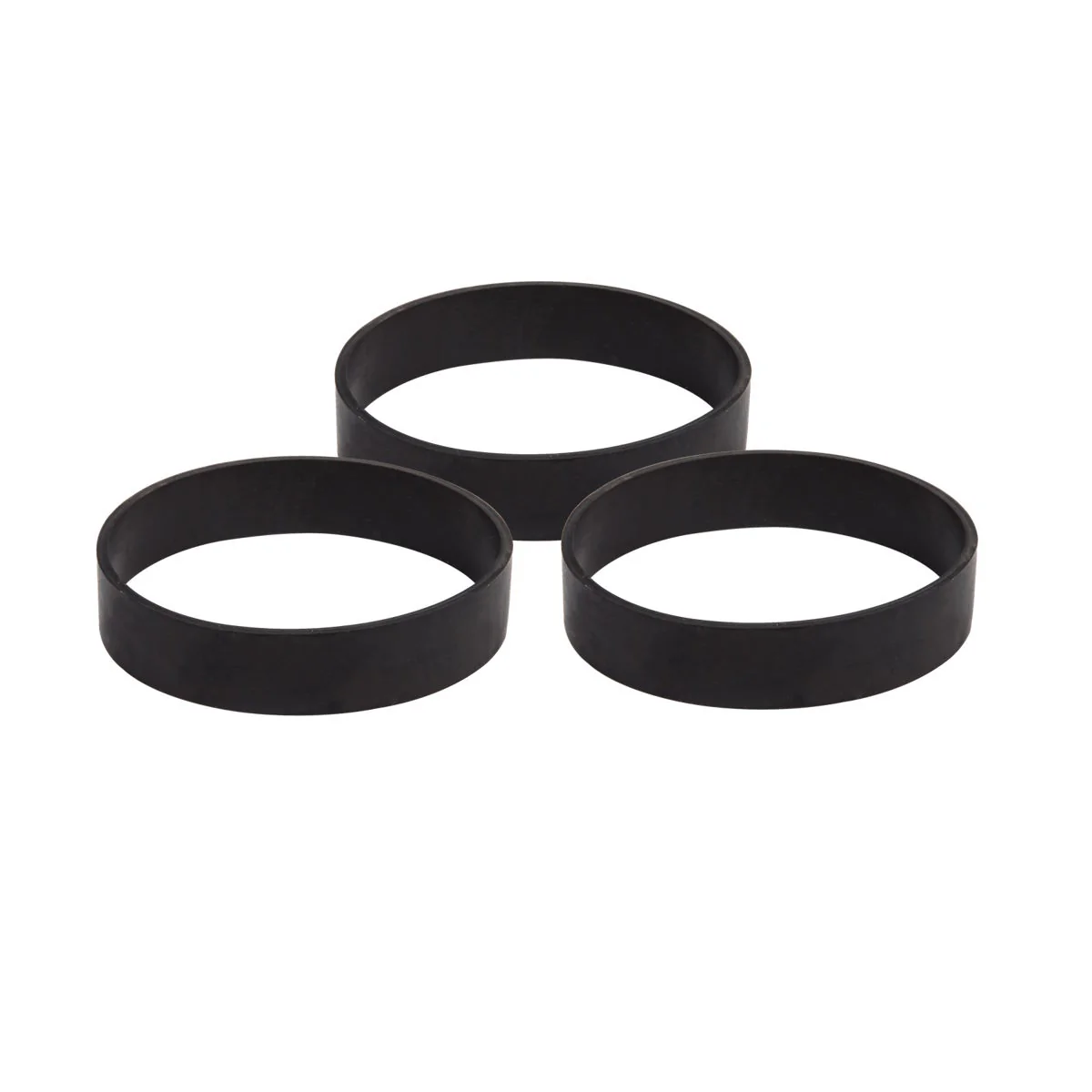
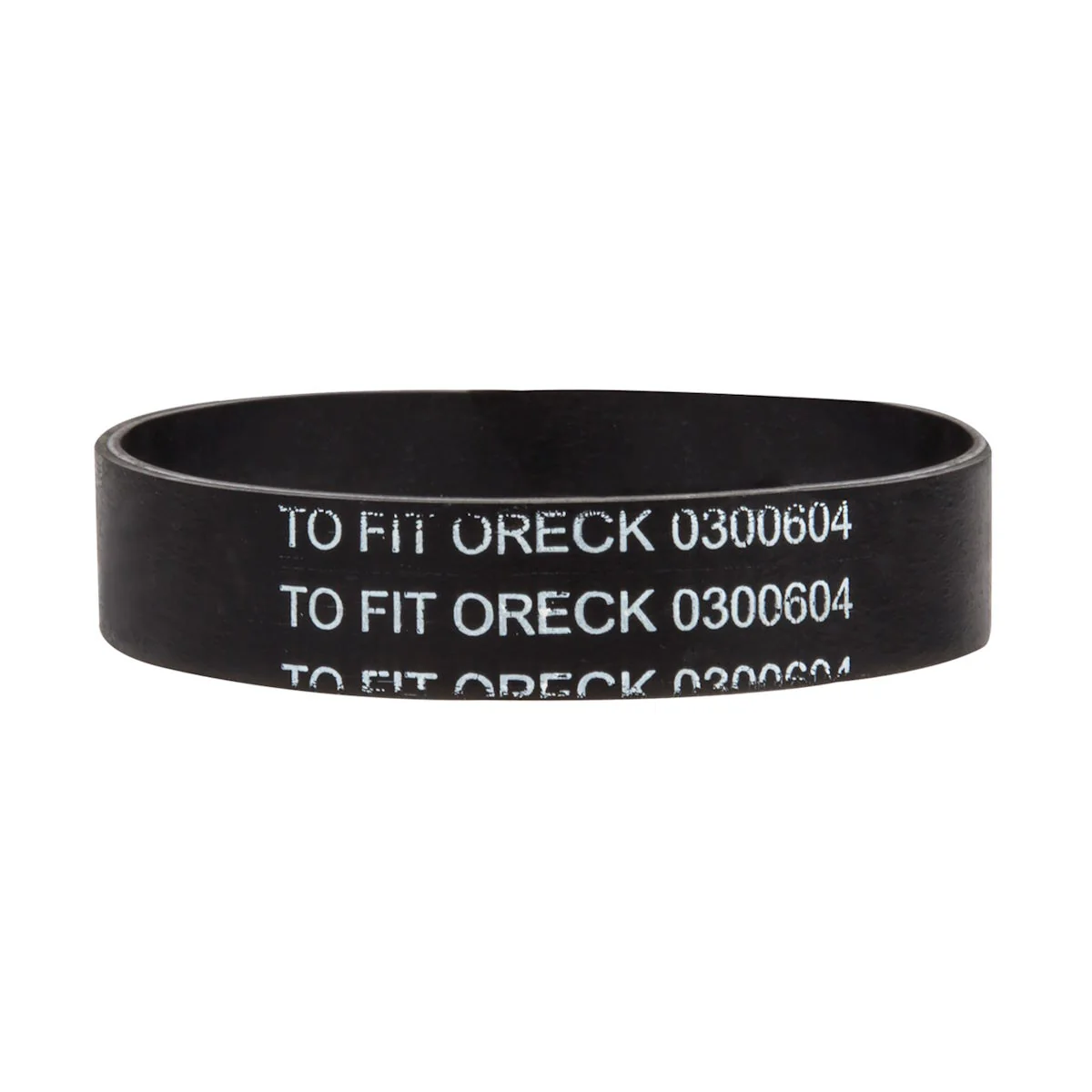
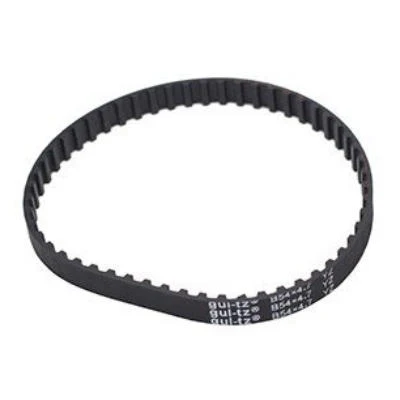
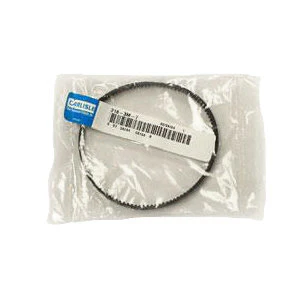
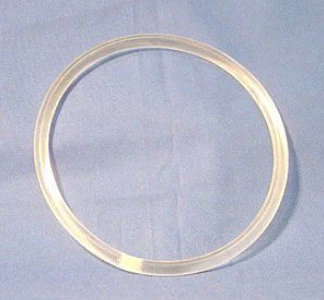
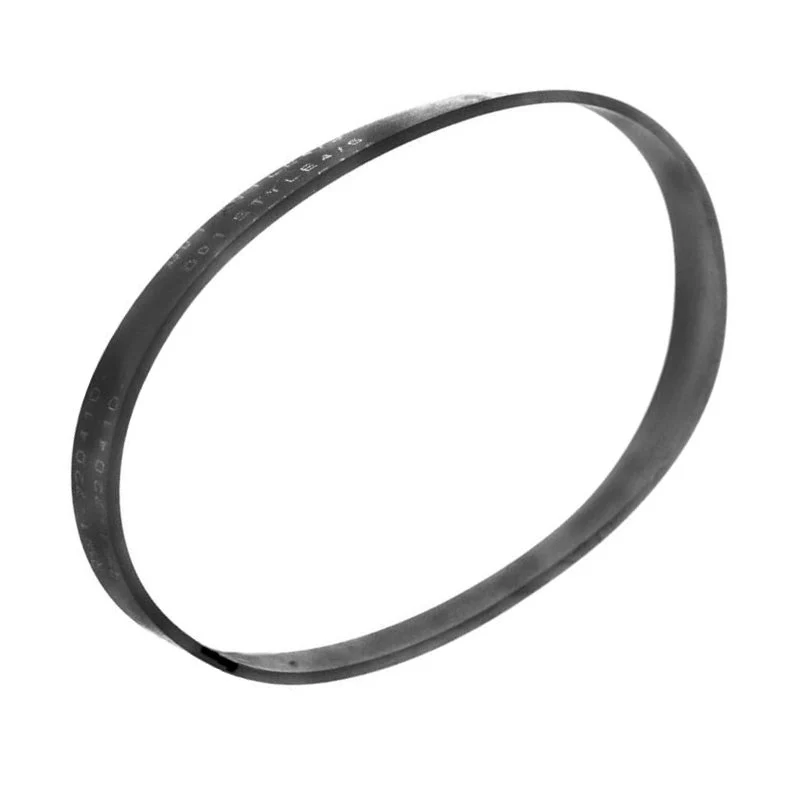
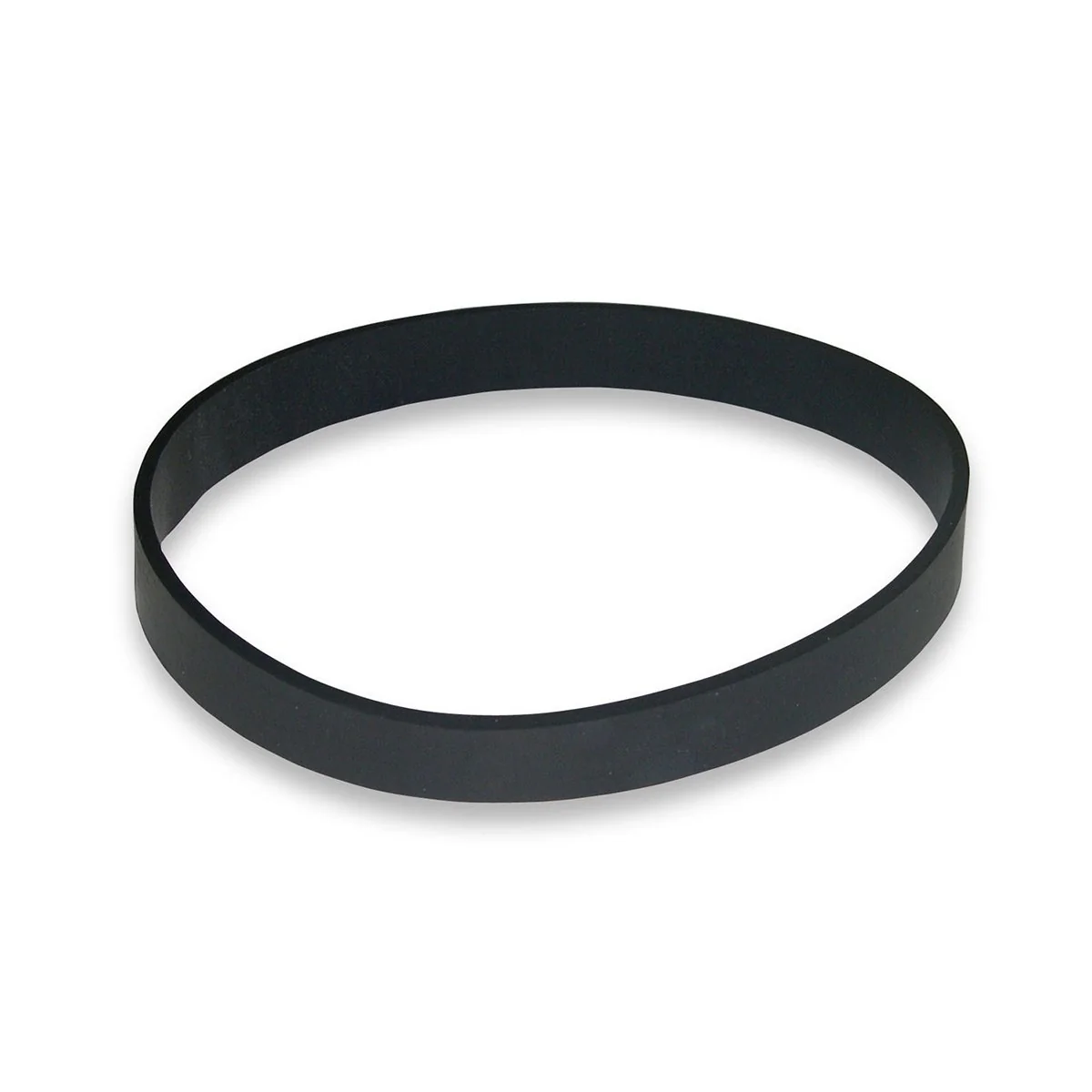
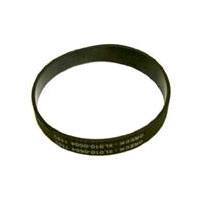
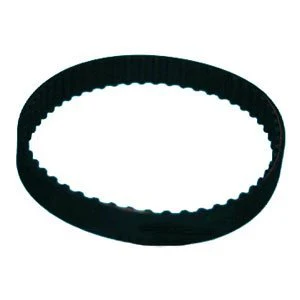
Oreck® Vacuum Replacement Belts (#0300604) for Upright Vacuums - Pack of 3
This 3 pack of replacement belts fit the Oreck U2000R-1, XL2100RHS, and U2000RB2L-1 upright vacuums. We've included some handy pictures below to help walk you through the process of changing the belt on your vac.
For other replacement belts, please take a look at our full line of vacuum belts. If you're looking specifically for other parts for your Oreck vacuums, we also have the bags and replacement brush roll available.
If you're in need of a great starter package that includes it all, this belt is included with the Oreck U2000R-1 vacuum package. Get the vacuum plus accessories and be ready to start cleaning as soon as it arrives.
**Please Note: This pack of belts formerly had a part # of ORE-75024-01.
For other replacement belts, please take a look at our full line of vacuum belts. If you're looking specifically for other parts for your Oreck vacuums, we also have the bags and replacement brush roll available.
If you're in need of a great starter package that includes it all, this belt is included with the Oreck U2000R-1 vacuum package. Get the vacuum plus accessories and be ready to start cleaning as soon as it arrives.
**Please Note: This pack of belts formerly had a part # of ORE-75024-01.
How to Change Your Belt
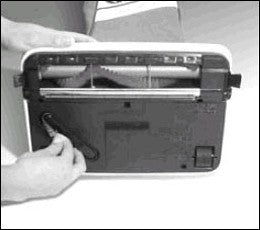 |
1. Remove the replacement belt from the storage channel, located on the underside of the vacuum head. |
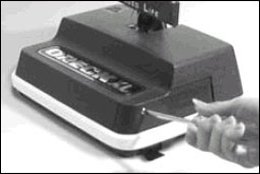 |
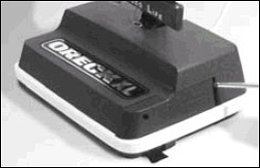
2. Remove the small side door by removing the hold down screw located on the side of the power head. Set the screw aside in a safe place (this small part is easy to lose!). |
 |
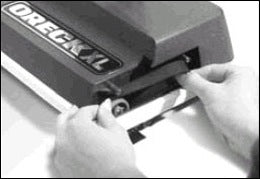
3. Slide the door forward by gently prying open with a screwdriver or coin. Slide the door forward and out. |
 |
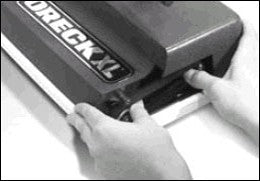
4. Remove the belt from the brush roll pulley (by the left hand in the image) and motor drive shaft (by the right hand). |
 |
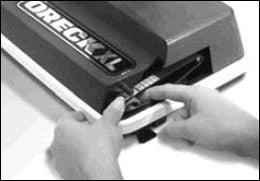
5. Loop the new belt over the motor drive shaft first. Then place the opposite end of the belt on the top of the brush pulley and roll the belt around the pulley. |
 |
6. Using your thumb and finger, rotate the belt on the pulley, ensuring the belt encircles the entire circumference of the pulley. The belt cannot be off-center or it will come off during operation. |
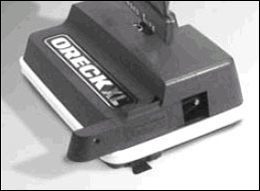 |
7. Replace the door by sliding it into the groove on the bottom of the housing (in the opposite manner that you removed it in step 3). Replace the hold down screw (the one you put in a safe place in step 2). |
$5.95
Original: $16.99
-65%Oreck® Vacuum Replacement Belts (#0300604) for Upright Vacuums - Pack of 3—
$16.99
$5.95Product Information
Product Information
Shipping & Returns
Shipping & Returns
Description
This 3 pack of replacement belts fit the Oreck U2000R-1, XL2100RHS, and U2000RB2L-1 upright vacuums. We've included some handy pictures below to help walk you through the process of changing the belt on your vac.
For other replacement belts, please take a look at our full line of vacuum belts. If you're looking specifically for other parts for your Oreck vacuums, we also have the bags and replacement brush roll available.
If you're in need of a great starter package that includes it all, this belt is included with the Oreck U2000R-1 vacuum package. Get the vacuum plus accessories and be ready to start cleaning as soon as it arrives.
**Please Note: This pack of belts formerly had a part # of ORE-75024-01.
For other replacement belts, please take a look at our full line of vacuum belts. If you're looking specifically for other parts for your Oreck vacuums, we also have the bags and replacement brush roll available.
If you're in need of a great starter package that includes it all, this belt is included with the Oreck U2000R-1 vacuum package. Get the vacuum plus accessories and be ready to start cleaning as soon as it arrives.
**Please Note: This pack of belts formerly had a part # of ORE-75024-01.
How to Change Your Belt
|
1. Remove the replacement belt from the storage channel, located on the underside of the vacuum head. |
|
2. Remove the small side door by removing the hold down screw located on the side of the power head. Set the screw aside in a safe place (this small part is easy to lose!). |
|
3. Slide the door forward by gently prying open with a screwdriver or coin. Slide the door forward and out. |
|
4. Remove the belt from the brush roll pulley (by the left hand in the image) and motor drive shaft (by the right hand). |
|
5. Loop the new belt over the motor drive shaft first. Then place the opposite end of the belt on the top of the brush pulley and roll the belt around the pulley. |
|
6. Using your thumb and finger, rotate the belt on the pulley, ensuring the belt encircles the entire circumference of the pulley. The belt cannot be off-center or it will come off during operation. |
|
7. Replace the door by sliding it into the groove on the bottom of the housing (in the opposite manner that you removed it in step 3). Replace the hold down screw (the one you put in a safe place in step 2). |