🎉 Up to 70% Off Selected ItemsShop Sale
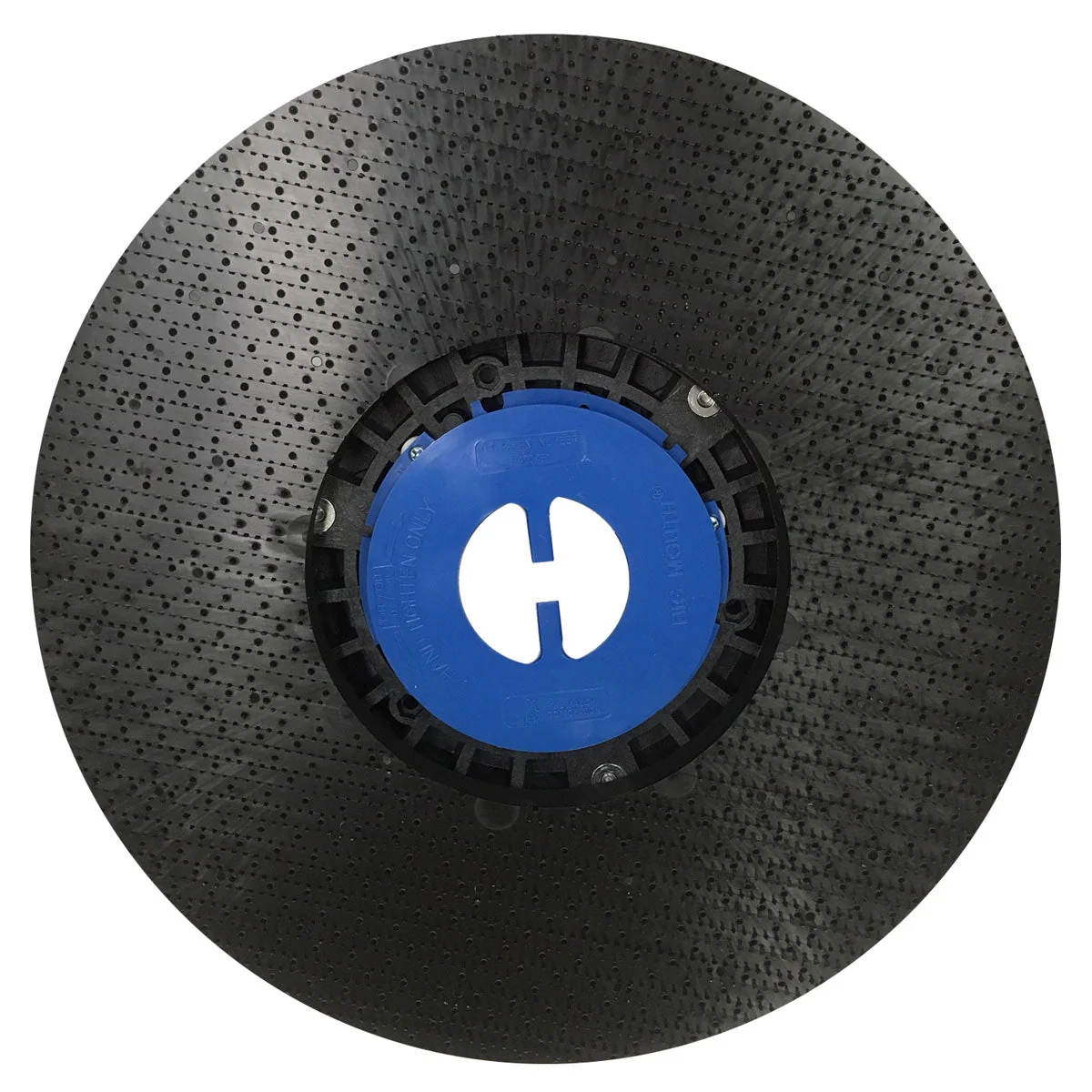
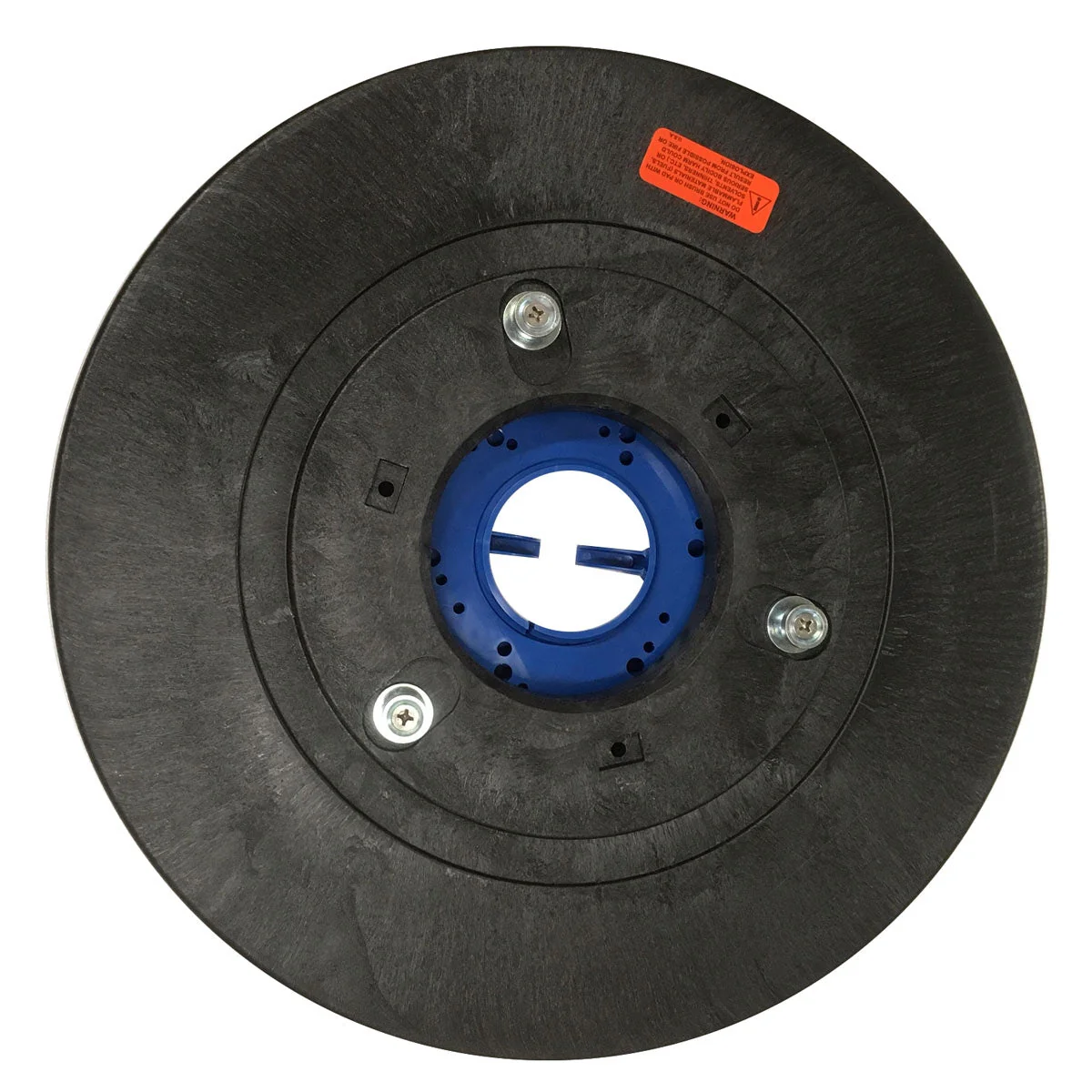
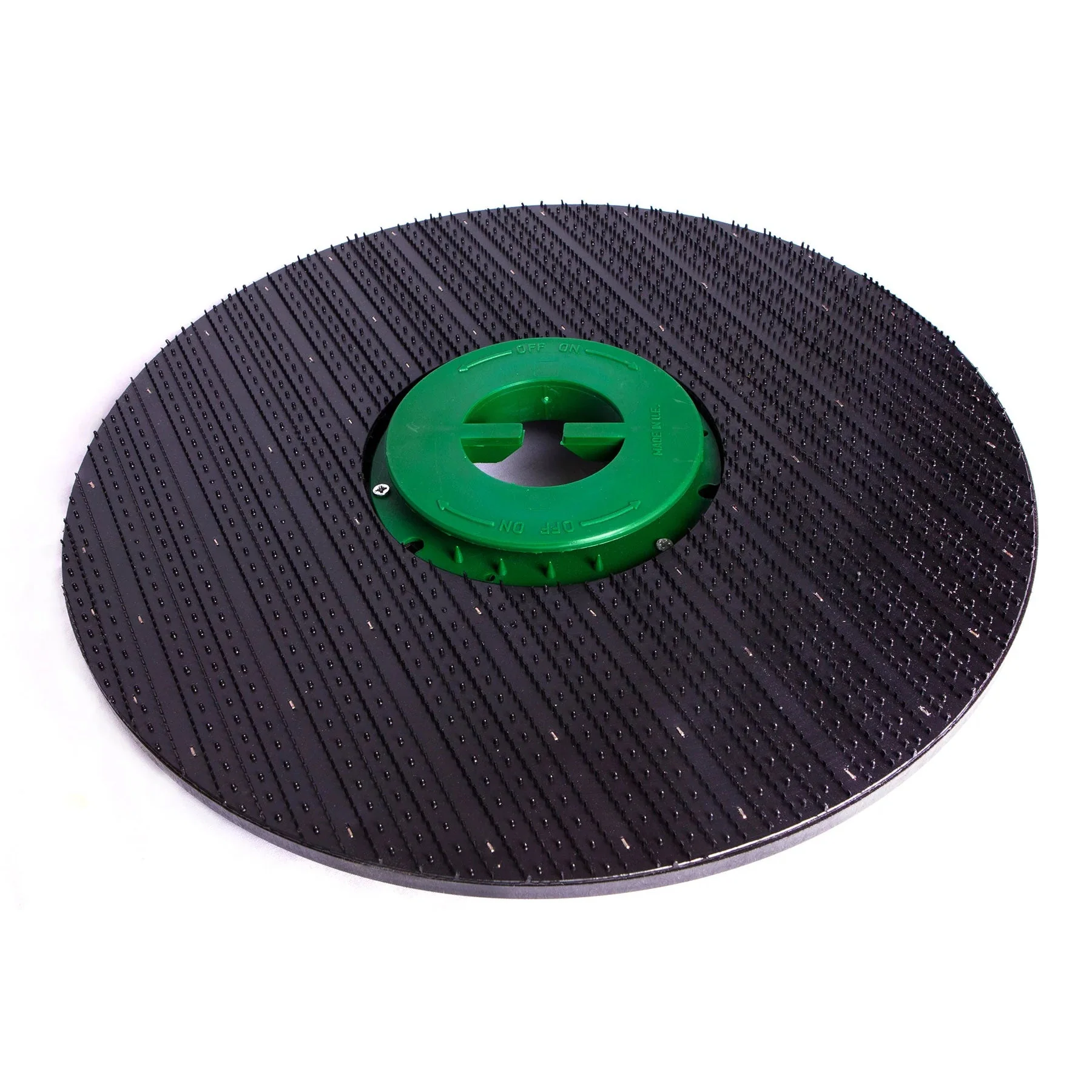
18" Pad Driver (#9040017) for the Trusted Clean 'Dura 18HD' Floor Scrubber
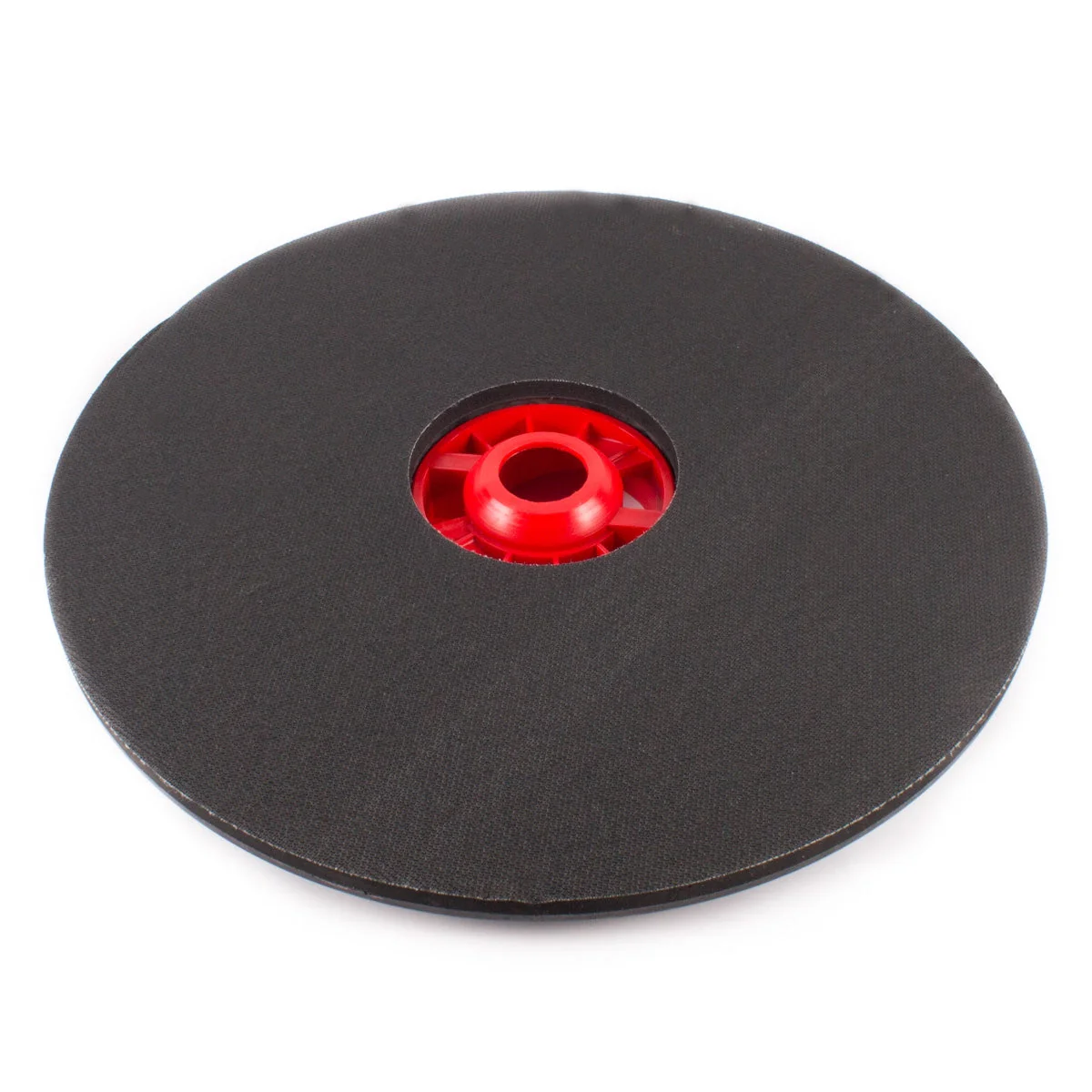
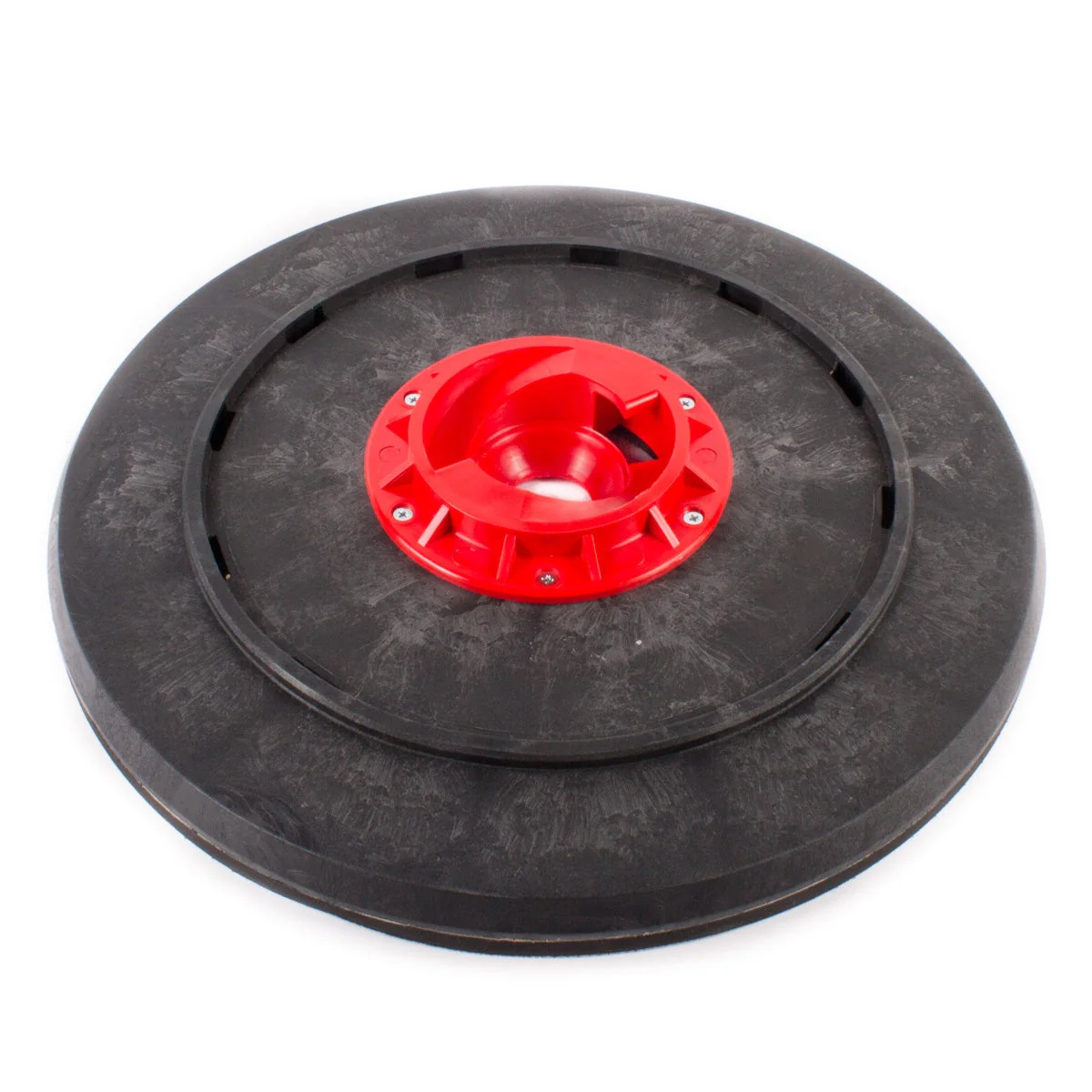
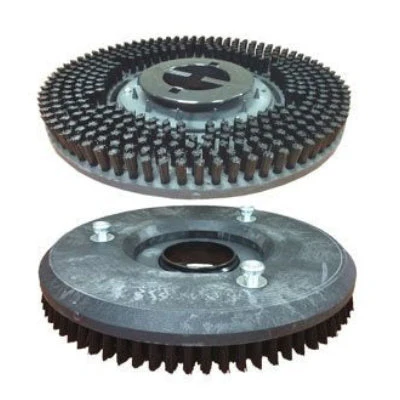
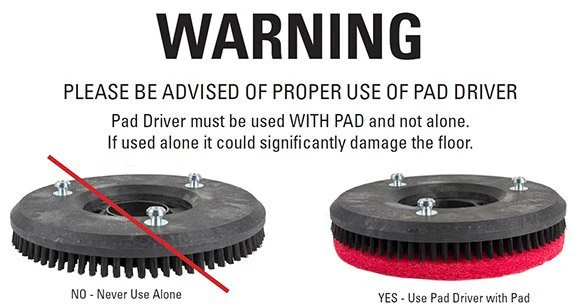
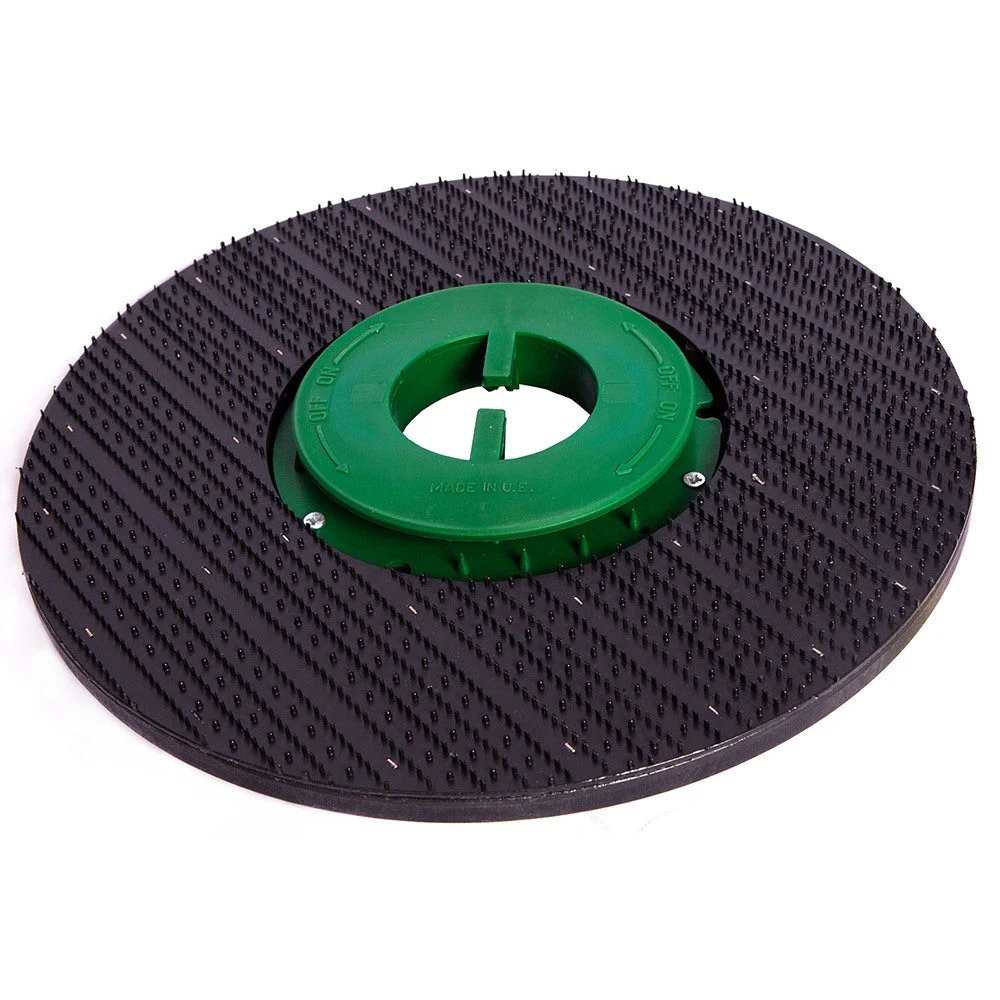
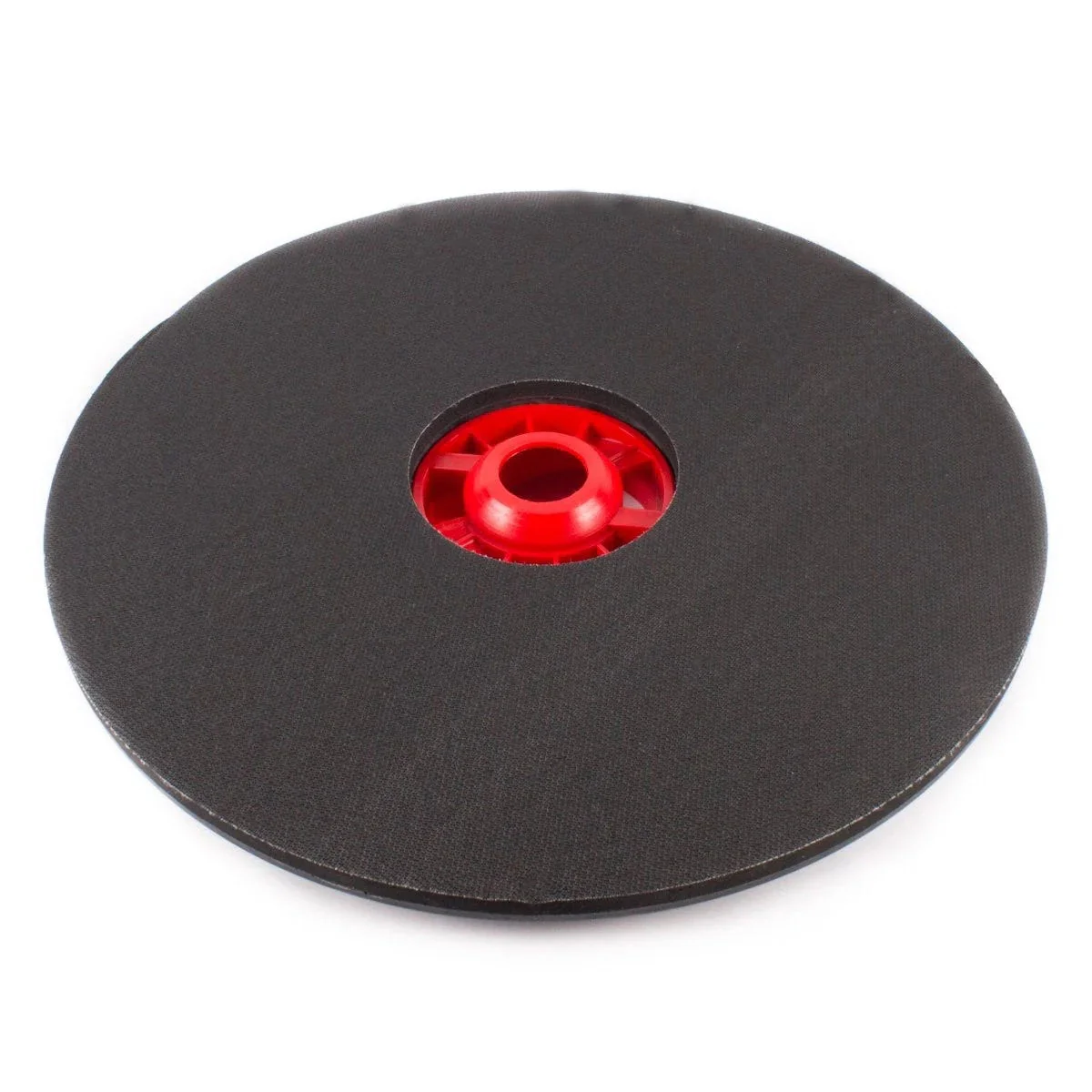
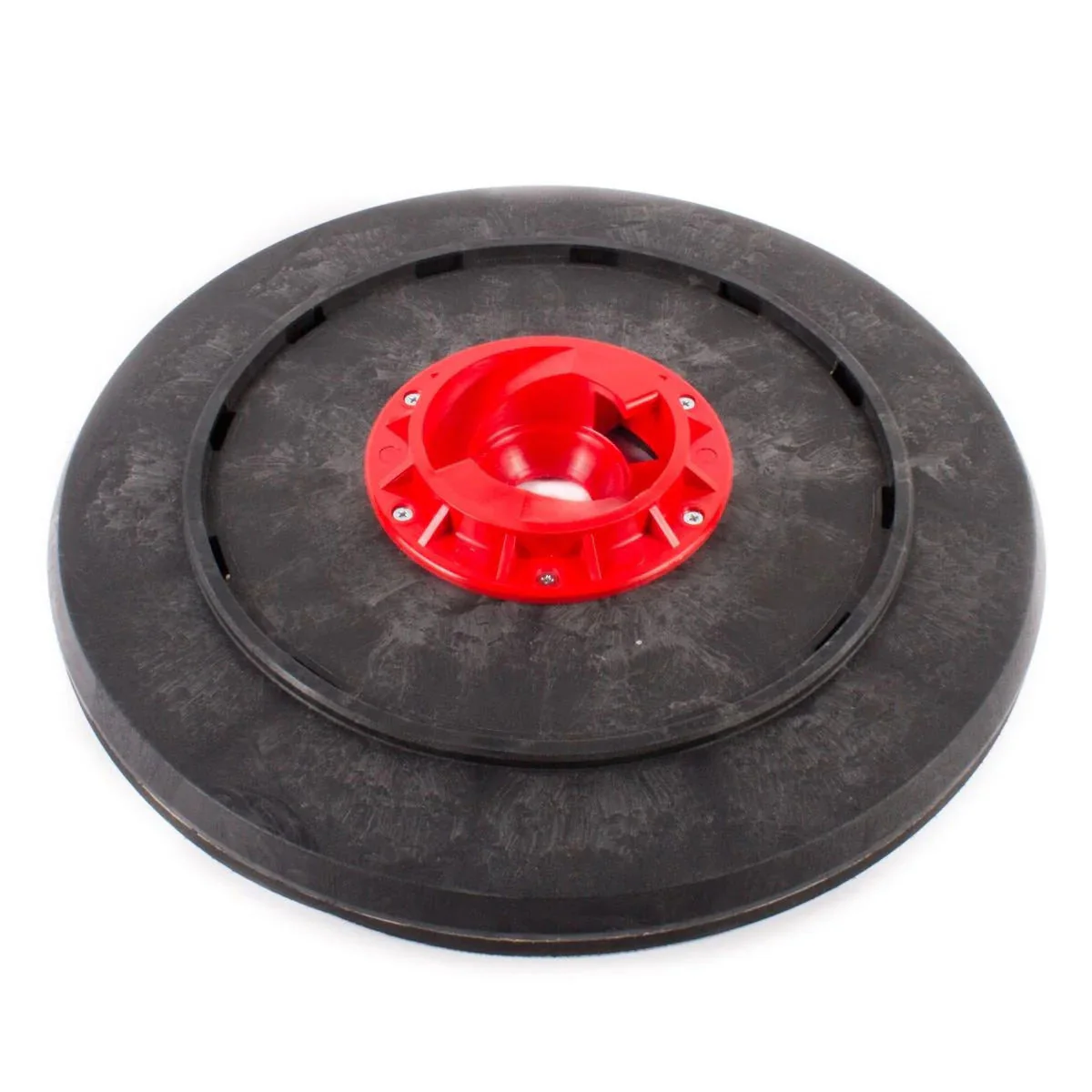
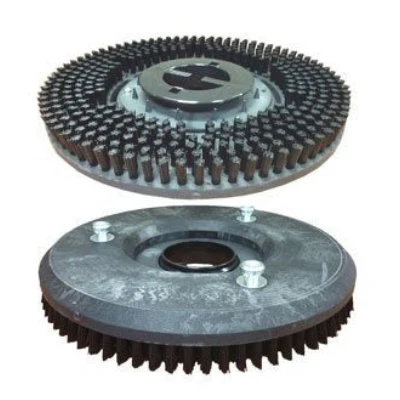
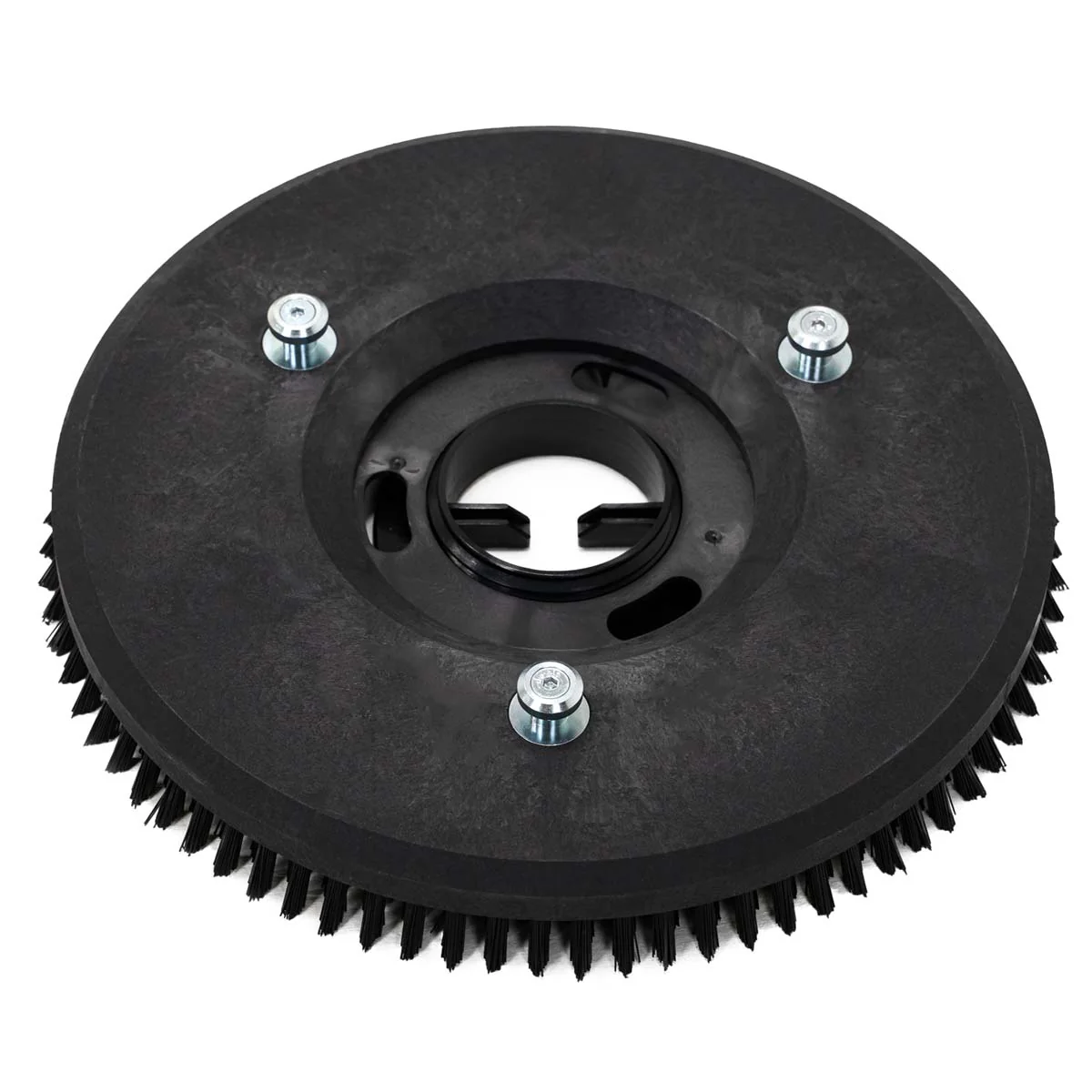
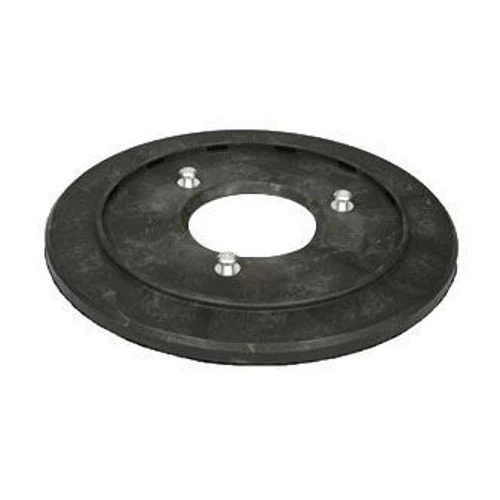
This Trusted Clean pad driver is designed to fit the Trusted Clean 'Dura 18' floor scrubber. It is designed to be used with 18" white, red, blue, green, or black pads. This driver contains a center locking mechanism that centers your pads, allowing your floor scrubber to achieve many different types of floor maintenance. Pads are great for use on smooth floors, where a brush is great for uneven floors like unfinished concrete and grouted tile.
The driver itself measures 17" in diameter, but is actually meant to be used with 18" pads. This allows for a slight overhang on the pad, which acts as a cushion in case it comes in contact with a base board or other object. The auto scrubber comes with a splash skirt that keeps almost everything contained within the head, but this skirt can be removed.
For more pad driver options for other auto scrubbers, please take a look at our full line of auto scrubber pad holders.
The driver itself measures 17" in diameter, but is actually meant to be used with 18" pads. This allows for a slight overhang on the pad, which acts as a cushion in case it comes in contact with a base board or other object. The auto scrubber comes with a splash skirt that keeps almost everything contained within the head, but this skirt can be removed.
For more pad driver options for other auto scrubbers, please take a look at our full line of auto scrubber pad holders.
Installing Your Pad Driver
- Turn your auto scrubber off and unplug from the wall.
- Tilt the machine backwards so you have access to the underside of the front apron.
- Attach a pad to the driver by centering and installing the center locking device, turning it clockwise until you hear it click into place.
- Line up the 3 posts from the top of the pad driver with the drive hub.
- Make sure all 3 posts are properly inserted into the drive hub.
- Push the plunger down on the top side of the apron to lock the drive hub into place and prevent it from spinning.
- While holding the plunger down, spin the pad driver clockwise with your other hand until you hear it click into place.
$74.20
Original: $211.99
-65%18" Pad Driver (#9040017) for the Trusted Clean 'Dura 18HD' Floor Scrubber—
$211.99
$74.20Product Information
Product Information
Shipping & Returns
Shipping & Returns
Description
This Trusted Clean pad driver is designed to fit the Trusted Clean 'Dura 18' floor scrubber. It is designed to be used with 18" white, red, blue, green, or black pads. This driver contains a center locking mechanism that centers your pads, allowing your floor scrubber to achieve many different types of floor maintenance. Pads are great for use on smooth floors, where a brush is great for uneven floors like unfinished concrete and grouted tile.
The driver itself measures 17" in diameter, but is actually meant to be used with 18" pads. This allows for a slight overhang on the pad, which acts as a cushion in case it comes in contact with a base board or other object. The auto scrubber comes with a splash skirt that keeps almost everything contained within the head, but this skirt can be removed.
For more pad driver options for other auto scrubbers, please take a look at our full line of auto scrubber pad holders.
The driver itself measures 17" in diameter, but is actually meant to be used with 18" pads. This allows for a slight overhang on the pad, which acts as a cushion in case it comes in contact with a base board or other object. The auto scrubber comes with a splash skirt that keeps almost everything contained within the head, but this skirt can be removed.
For more pad driver options for other auto scrubbers, please take a look at our full line of auto scrubber pad holders.
Installing Your Pad Driver
- Turn your auto scrubber off and unplug from the wall.
- Tilt the machine backwards so you have access to the underside of the front apron.
- Attach a pad to the driver by centering and installing the center locking device, turning it clockwise until you hear it click into place.
- Line up the 3 posts from the top of the pad driver with the drive hub.
- Make sure all 3 posts are properly inserted into the drive hub.
- Push the plunger down on the top side of the apron to lock the drive hub into place and prevent it from spinning.
- While holding the plunger down, spin the pad driver clockwise with your other hand until you hear it click into place.